Database
Manage your BuildButler database connection and data.
BuildButler stores all build, test, and pipeline data in a PostgreSQL database.
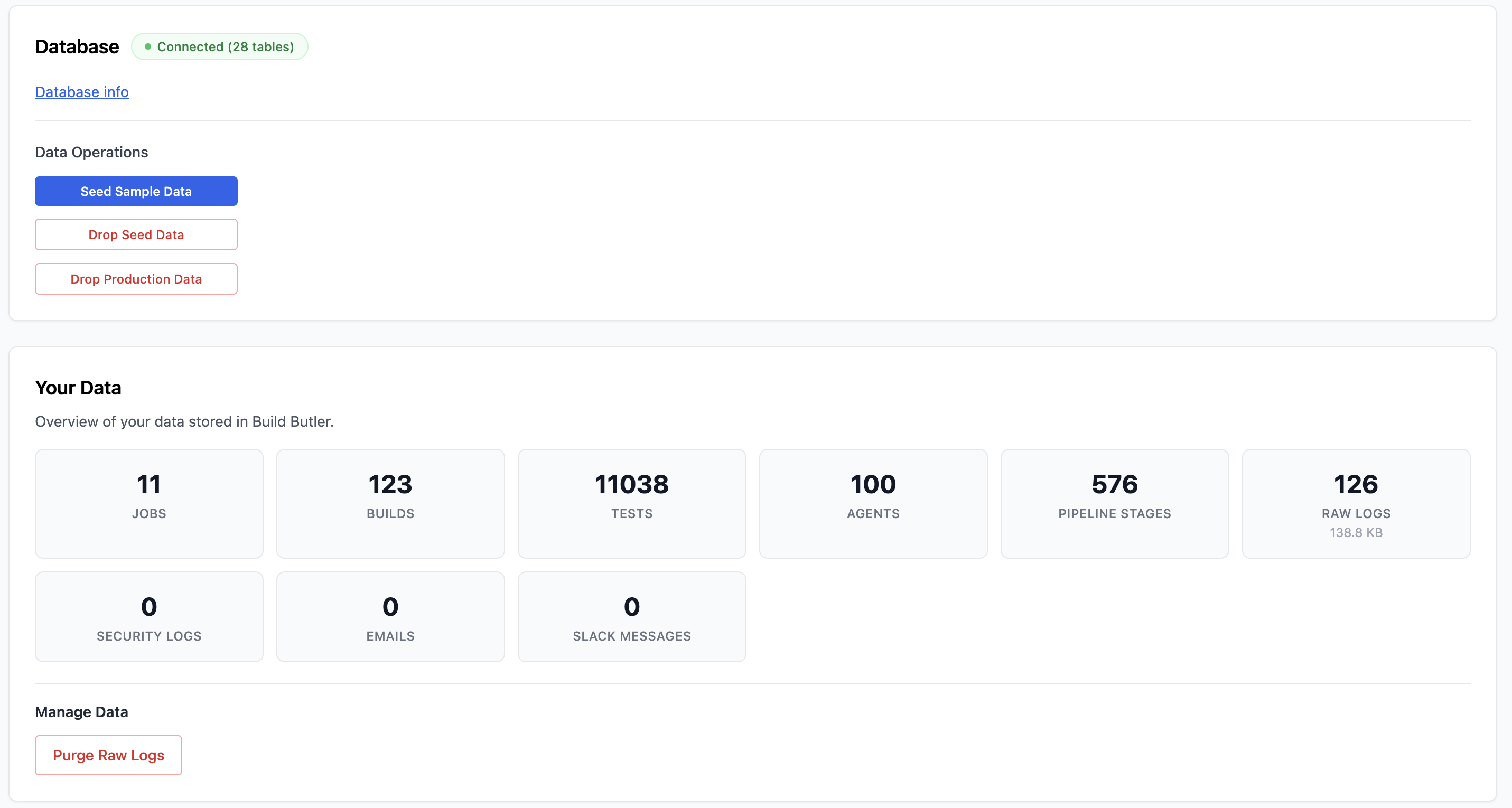
Connection
The database status is shown as a badge (e.g. Connected (28 tables)). Click Database info to view connection details.
Data Operations
- Seed Sample Data — populate the database with sample builds and test results for evaluation
- Drop Seed Data — remove only the seeded sample data
- Drop Production Data — remove all production data (irreversible)
Your Data
Overview of all data stored in BuildButler:
| Metric | Description |
|---|---|
| Jobs | Total jobs tracked |
| Builds | Total build records |
| Tests | Total test result records |
| Agents | Total agents tracked |
| Pipeline Stages | Total stage execution records |
| Raw Logs | Console output stored (with size) |
| Security Logs | Audit log entries |
| Emails | Notification emails sent |
| Slack Messages | Slack notifications sent |
Manage Data
- Purge Raw Logs — delete all stored console output to free up storage space