AI Provider
Configure the LLM provider that powers the Ask AI feature.
Configure which LLM provider powers the Ask AI feature.
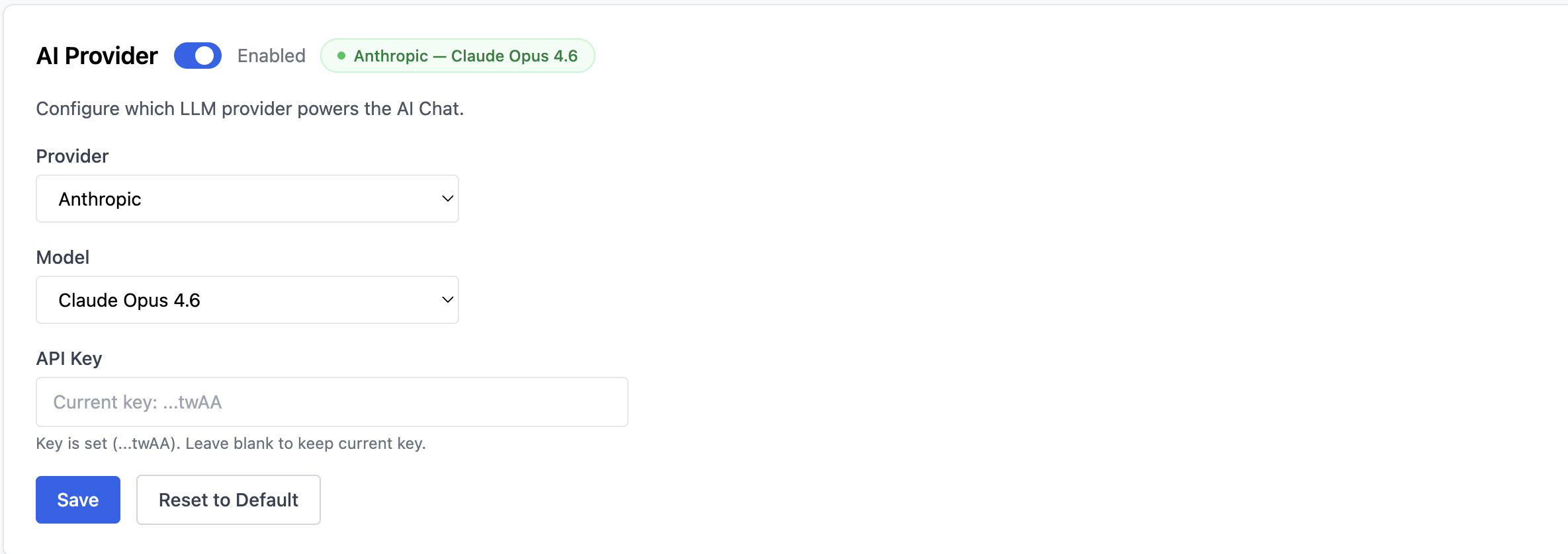
Configuration
- Provider — the AI provider (e.g. Anthropic)
- Model — the model to use (e.g. Claude Opus 4.6)
- API Key — your API key for the selected provider
The status badge shows the active configuration (e.g. Anthropic — Claude Opus 4.6) when a key is set. For the API Key field, leave it blank to keep the current key — the placeholder shows the last few characters of the stored key.
Click Save to apply, or Reset to Default to restore the original configuration.