Queue
Monitor build queues in real time — see what's waiting, why it's stuck, and how long jobs have been queued.
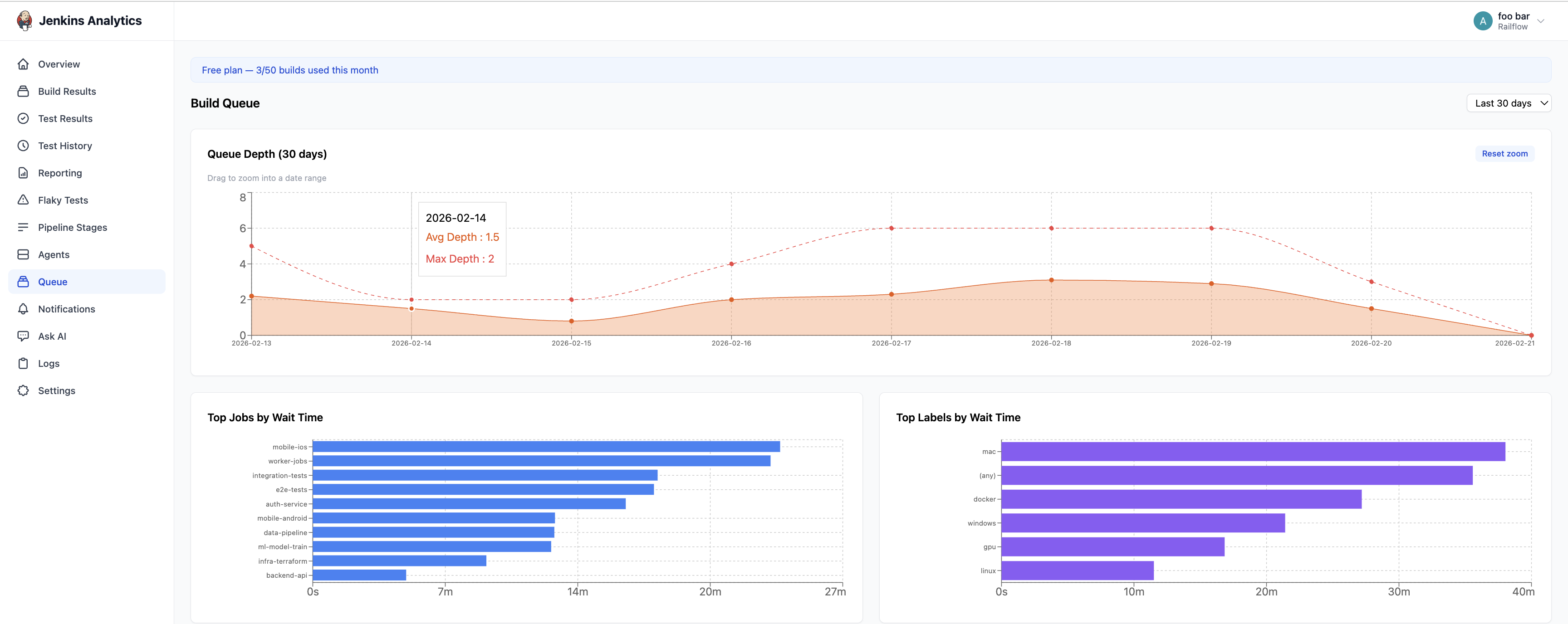
The Queue page shows all builds currently waiting in the build queue across your connected CI servers.
Overview
The queue table displays every build that has been scheduled but has not yet started executing. This gives you immediate visibility into build backlog and helps identify bottlenecks in your CI infrastructure.
Queue table
The table shows every queued build with the following columns:
| Column | Description |
|---|---|
| Job | Job name |
| Server | The CI server where the build is queued |
| Queued Since | Timestamp when the build entered the queue |
| Wait Time | How long the build has been waiting |
| Reason | Why the build is stuck in the queue (e.g. waiting for executor, blocked by another build) |
Common queue reasons
Common reasons a build may be waiting include:
- Waiting for next available executor — all build agents are busy
- Blocked by upstream/downstream project — a dependency hasn't finished yet
- Waiting for resource — a shared resource (e.g. lock, throttle) is in use
- Build is in the quiet period — the CI system is waiting before starting the build
Identifying bottlenecks
Use the Queue page to:
- Spot capacity issues — if builds are regularly waiting for executors, you may need more agents
- Find blocking dependencies — identify jobs that frequently block others
- Monitor wait times — track how long builds sit in the queue before running